
Showing posts with label #growingcircleshop. Show all posts
Showing posts with label #growingcircleshop. Show all posts
Friday, June 19, 2015


Thursday, June 18, 2015
Google+ Growing Circles- Answering Your Questions
Back in April, we opened up our party for YOUR questions in regards to all things Google Plus. We answered the first one here about searches within Google Plus (because they work a little differently than a regular search).

Today we're going to answer this question:
What's the difference between "following" a page and adding to a circle?
When you follow a page, you are basically adding that page to a specific circle for following. Pages are usually for businesses or brands. However, there is sometimes the option to "follow" a personal page as well - depending on how the page is setup. Most people have a personal page, and then a separate business page (but this is not always the case).
The difference is much like that of facebook. You can "follow" a person's personal newsfeed, which means that you are more likely to see that person's status updates and G+ shares in your newsfeed (or in your email inbox, if you have that setting enabled). When you add a person to a circle category, you basically start "following" them too. However, if you follow AND add to a circle, you are more likely to see the person's G+ posts. When you click "follow," you also increase the number of followers visible and counted for the page.

When I add someone to my circles, I usually go ahead and choose FOLLOW (by checking the box for circle category "follow"), then add to a specific circle category (#GrowingCirclesHop, for example).
Much of the time, a business page ONLY has the follow option (as opposed to the circle categories). So, the same is true if you "follow" a business or brand page. When adding a business/brand PAGE, you MUST FOLLOW first, and then you will be allowed the additional option to add the page to a circle as well. Or, you can choose to just follow only, without categorizing into a circle.

In essence, follows and adding to a circle is the same thing. However, as mentioned above, we have seen higher results with following AND adding to a circle. This has been true for both personal pages and business/brand pages.
You might be asking yourself...What's the difference between a personal and business/brand page? And do I need both?
Well, you'll have to stick with us for the next round of Answering Questions to find out the answer to that!!! ;)
For now, let's get to the party!!! Remember: You need to use the party hashtag AND link up for the best benefits of the party. =0)

*** Don't forget! ***
The party stays open until Friday night at midnight, EST! So don't be shy, come and visit on Friday too. Show us your G+ posts. Search our party hashtag in G+ to see awesome content for TWO days instead of just one!

LINK UP below!!! You can now link up your G+ profile page -OR- you can link up a specific G+ post that you've already publicly shared using our party hashtag!
See all the posts for our G+ Tips Series:
Week 1: What is G+?
Week 2: Importance of Circles
Week 3: Using Circles
Week 4: Categorizing Circles

Today we're going to answer this question:
What's the difference between "following" a page and adding to a circle?
When you follow a page, you are basically adding that page to a specific circle for following. Pages are usually for businesses or brands. However, there is sometimes the option to "follow" a personal page as well - depending on how the page is setup. Most people have a personal page, and then a separate business page (but this is not always the case).
The difference is much like that of facebook. You can "follow" a person's personal newsfeed, which means that you are more likely to see that person's status updates and G+ shares in your newsfeed (or in your email inbox, if you have that setting enabled). When you add a person to a circle category, you basically start "following" them too. However, if you follow AND add to a circle, you are more likely to see the person's G+ posts. When you click "follow," you also increase the number of followers visible and counted for the page.

When I add someone to my circles, I usually go ahead and choose FOLLOW (by checking the box for circle category "follow"), then add to a specific circle category (#GrowingCirclesHop, for example).
Much of the time, a business page ONLY has the follow option (as opposed to the circle categories). So, the same is true if you "follow" a business or brand page. When adding a business/brand PAGE, you MUST FOLLOW first, and then you will be allowed the additional option to add the page to a circle as well. Or, you can choose to just follow only, without categorizing into a circle.

In essence, follows and adding to a circle is the same thing. However, as mentioned above, we have seen higher results with following AND adding to a circle. This has been true for both personal pages and business/brand pages.
You might be asking yourself...What's the difference between a personal and business/brand page? And do I need both?
Well, you'll have to stick with us for the next round of Answering Questions to find out the answer to that!!! ;)
For now, let's get to the party!!! Remember: You need to use the party hashtag AND link up for the best benefits of the party. =0)
*** Don't forget! ***
The party stays open until Friday night at midnight, EST! So don't be shy, come and visit on Friday too. Show us your G+ posts. Search our party hashtag in G+ to see awesome content for TWO days instead of just one!
Don't forget to use the party hashtag:
#GrowingCirclesHop
To make the most of this link party, please follow the rules below.
1. You MUST add your hosts and co-hosts to one of your circles before linking up.
OUR PARTY HOSTS:
OUR CO-HOST:
2. Link up your personal Google+ profile, blog or business G+ pages, OR -- you can link up a specific G+ post of yours - but NOT your blog URL.
Note: If you want to post both of them, we're cool with that too! The only thing we ask is that you limit your post shares to one per blog/business page. We have no set limit for personal post shares, but please keep it to a reasonable number (preferably not more than 5 posts using our party hashtag).
3. Publicly share a post - (new or old) on G+ and use the party hashtag #GrowingCirclesHop. See note above for limit guidelines.
4. Connect with others by clicking on your #growingcircleshop hashtag, or enter "growingcircleshop" in the search box at the top. Engage with at least 2-3 others by a Share, +1 and/or Comment.
5. Add new friends to your circles! Be social. It's completely worth it!
6. Help us spread the word about this party so we can try for trending on Google Plus each week!Check back on G+ and +1/comment on the party posts with our hashtag #growingcircleshop until Friday night.
LINK UP below!!! You can now link up your G+ profile page -OR- you can link up a specific G+ post that you've already publicly shared using our party hashtag!
See all the posts for our G+ Tips Series:
Week 1: What is G+?
Week 2: Importance of Circles
Week 3: Using Circles
Week 4: Categorizing Circles
Friday, May 22, 2015


Thursday, May 21, 2015
Google+ Growing Circles- The Party is on Again!
There are so many reasons to love Google Plus. Really, there are! We can't stress it enough, and we can't stop counting the many ways it has helped us as bloggers and small business owners.
This past week there were SO many great shares with our party hashtag. We couldn't choose just one to feature, so here are a few of the favorites...
Party Hashtag Features:


And remember: You need to use the party hashtag AND link up for the best benefits of the party. =0)
*** Don't forget! ***
The party stays open until Friday night at midnight, EST! So don't be shy, come and visit on Friday too. Show us your G+ posts. Search our party hashtag in G+ to see awesome content for TWO days instead of just one!
Don't forget to use the party hashtag:
#GrowingCirclesHop
To make the most of this link party, please follow the rules below.
1. You MUST add your hosts and co-hosts to one of your circles before linking up.
OUR PARTY HOSTS:
OUR CO-HOST:
2. Link up your personal Google+ profile, blog or business G+ pages, OR -- you can link up a specific G+ post of yours - but NOT your blog URL.
Note: If you want to post both of them, we're cool with that too! The only thing we ask is that you limit your post shares to one per blog/business page. We have no set limit for personal post shares, but please keep it to a reasonable number (preferably not more than 5 posts using our party hashtag).
3. Publicly share a post - (new or old) on G+ and use the party hashtag #GrowingCirclesHop. See note above for limit guidelines.
4. Connect with others by clicking on your #growingcircleshop hashtag, or enter "growingcircleshop" in the search box at the top. Engage with at least 2-3 others by a Share, +1 and/or Comment.
5. Add new friends to your circles! Be social. It's completely worth it!
6. Help us spread the word about this party so we can try for trending on Google Plus each week!Check back on G+ and +1/comment on the party posts with our hashtag #growingcircleshop until Friday night.
LINK UP below!!! You can now link up your G+ profile page -OR- you can link up a specific G+ post that you've already publicly shared using our party hashtag!
See all the posts for our G+ Tips Series:
Week 1: What is G+?
Week 2: Importance of Circles
Week 3: Using Circles
Week 4: Categorizing Circles
Friday, May 15, 2015
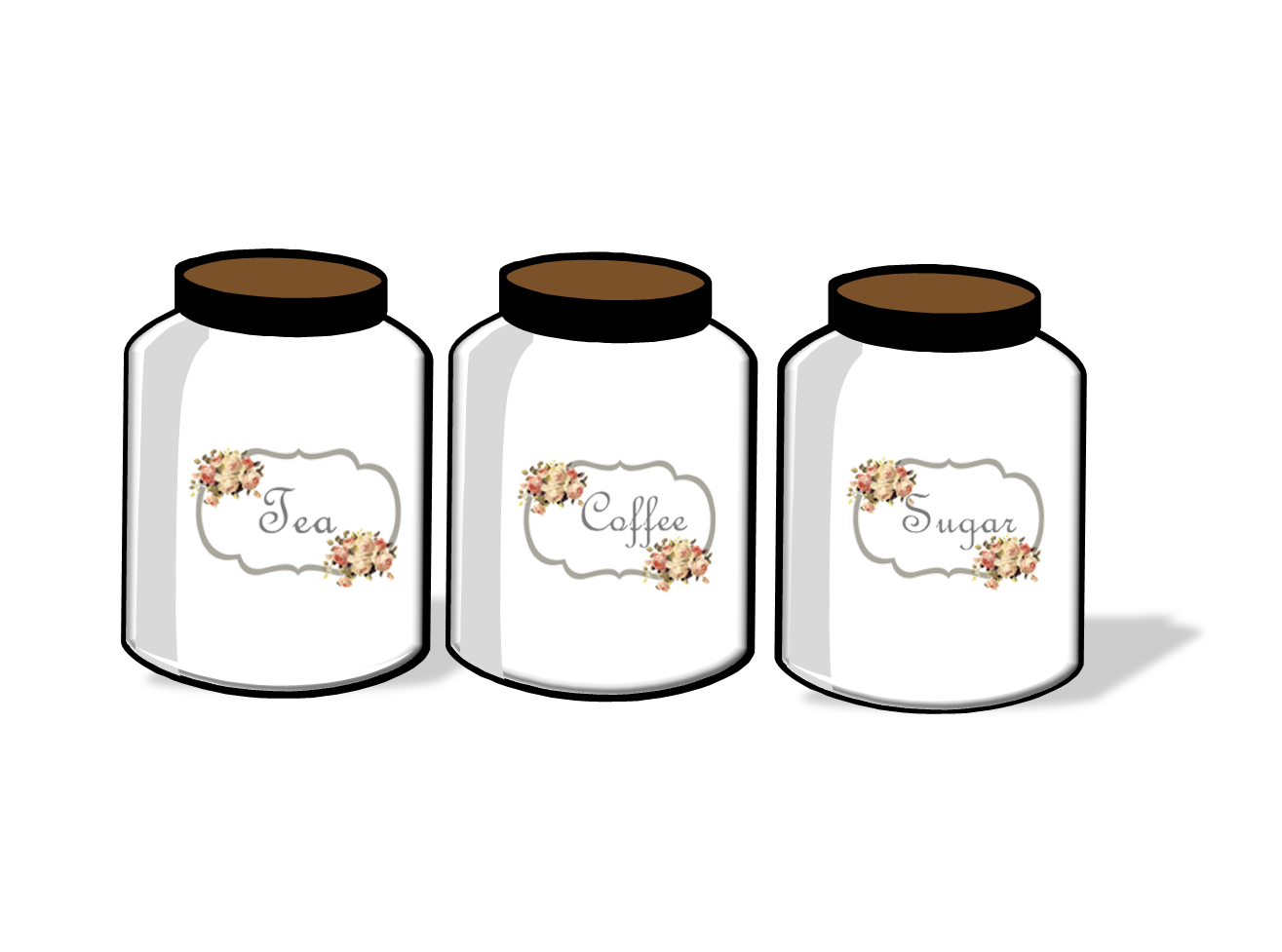
Jar Labels - Freebie Friday
Here are cute & chic rosy style Tea, Coffee & Sugar Jar labels, they are absolutely FREE, so go ahead, Simply print on White Sticker Sheet, Cut and Use!


Thursday, May 14, 2015
Google+ Growing Circles- It's Party Time!
It's Party Time!
These next few weeks of May are pretty crazy, and time is really limited. Our Google Plus Tips will return as soon as we can. In the meantime, we'll be on the lookout for Party Hashtag Posts to Feature, so be sure that you're using our hashtag when you post!
For this week, we simply chose a recent G+ share from our new Co-Host...
Megha of The Art Bug is our May Co-Host. Here's one of her latest shares, a great collection of floral tops for spring and summer wear!
 Visit her G+ Profile and add her to your circles. She's also #4 in the linky down below!
And remember: You need to use the party hashtag AND link up for the best benefits of the party. =0)
*** Don't forget! ***
The party stays open until Friday night at midnight, EST! So don't be shy, come and visit on Friday too. Show us your G+ posts. Search our party hashtag in G+ to see awesome content for TWO days instead of just one!
LINK UP below!!! You can now link up your G+ profile page -OR- you can link up a specific G+ post that you've already publicly shared using our party hashtag!
See all the posts for our G+ Tips Series:
Week 1: What is G+?
Week 2: Importance of Circles
Week 3: Using Circles
Week 4: Categorizing Circles
These next few weeks of May are pretty crazy, and time is really limited. Our Google Plus Tips will return as soon as we can. In the meantime, we'll be on the lookout for Party Hashtag Posts to Feature, so be sure that you're using our hashtag when you post!
For this week, we simply chose a recent G+ share from our new Co-Host...
Megha of The Art Bug is our May Co-Host. Here's one of her latest shares, a great collection of floral tops for spring and summer wear!
And remember: You need to use the party hashtag AND link up for the best benefits of the party. =0)
*** Don't forget! ***
The party stays open until Friday night at midnight, EST! So don't be shy, come and visit on Friday too. Show us your G+ posts. Search our party hashtag in G+ to see awesome content for TWO days instead of just one!
Don't forget to use the party hashtag:
#GrowingCirclesHop
To make the most of this link party, please follow the rules below.
1. You MUST add your hosts and co-hosts to one of your circles before linking up.
OUR PARTY HOSTS:
OUR CO-HOSTS:
2. Link up your personal Google+ profile, blog or business G+ pages, OR -- you can link up a specific G+ post of yours - but NOT your blog URL.
Note: If you want to post both of them, we're cool with that too! The only thing we ask is that you limit your post shares to one per blog/business page. We have no set limit for personal post shares, but please keep it to a reasonable number (preferably not more than 5 posts using our party hashtag).
3. Publicly share a post - (new or old) on G+ and use the party hashtag #GrowingCirclesHop. See note above for limit guidelines.
4. Connect with others by clicking on your #growingcircleshop hashtag, or enter "growingcircleshop" in the search box at the top. Engage with at least 2-3 others by a Share, +1 and/or Comment.
5. Add new friends to your circles! Be social. It's completely worth it!
6. Help us spread the word about this party so we can try for trending on Google Plus each week!Check back on G+ and +1/comment on the party posts with our hashtag #growingcircleshop until Friday night.
LINK UP below!!! You can now link up your G+ profile page -OR- you can link up a specific G+ post that you've already publicly shared using our party hashtag!
See all the posts for our G+ Tips Series:
Week 1: What is G+?
Week 2: Importance of Circles
Week 3: Using Circles
Week 4: Categorizing Circles
Friday, May 8, 2015
Free Printable Bookmarks- Freebie Friday


Also The Google+ Party Is Still on till Friday Midnight....
Thursday, May 7, 2015
Google+ Growing Circles Hop Linky Party!
Starting Monday (May 4th) of THIS week, Google Plus made the official announcement that Collections are now available! This means that you can share or reshare a G+ post to a specific category (called a collection). While preparing for our party post, I saw the new addition and just had to share it with you all so you can start using this new feature (it's pretty awesome!). So, while our Week 6 G+ Tip was supposed to be a continued conversation about hashtags and usage, I thought this brand new feature needed to be shared first!

You might have noticed that the Google Photos and Google Stream is also making an appearance this week. Stick with us...We'll be talking about that soon too, as more information becomes available.
For now...Let's see G+ Collections in action!

This new capability to group posts by topic is amazing, and I know that I (for one) will be much more willing to reshare favorite G+ posts now that I'll have an easier way to find them later. Think of these new Collections as your pinboards on Pinterest - and you know how we all love Pinterest! Yeah, these new G+ Collections are gonna be AWESOME like that.
After you click "New Collection," you'll see a screen like this:

The first steps...Create a name for your collection and set its visibility (public, private, etc). You need to be sure of your name and visibility settings, because once created, they cannot be changed!

After you've shared a couple of posts to your new collection, it will look like this:

One thing I noticed, but it's probably just a glitch...

When you go to your Collections from the HOME drop down menu (as shown in our title post at the top), this is what you'll see:

Yes, it's a lot like Pinterest - but I'm not complaining about it one bit!
TIP: As far as I can tell, there is no ability to move collections. Once they are created, they are stuck (maybe this will change in the future).
I thought maybe they would be alphabetized, but - No.
So that's a wrap up for our G+ Tip this week. I hope you guys will be loving this new feature as much as I already do. The sheer power of google is incredible. These new Collections can only create more visibility for us as bloggers and small business owners - and that's HUGE!
Side Note: This new feature is available for your computer and android devices and is coming soon for iOS users.
~ Kim from 2justByou Blog
And remember: You need to use the party hashtag AND link up for the best benefits of the party. =0)
*** Don't forget! ***
The party stays open until Friday night at midnight, EST! So don't be shy, come and visit on Friday too. Show us your G+ posts. Search our party hashtag in G+ to see awesome content for TWO days instead of just one!
Don't forget to use the party hashtag:
#GrowingCirclesHop
To make the most of this link party, please follow the rules below.
1. You MUST add your hosts and co-hosts to one of your circles before linking up.
2. Link up your personal Google+ profile, blog or business G+ pages, OR -- you can link up a specific G+ post of yours - but NOT your blog URL.
3. Publicly share a post - (new or old) on G+ and use the party hashtag #GrowingCirclesHop.
4. Connect with others by clicking on your #growingcircleshop hashtag, or enter "growingcircleshop" in the search box at the top. Engage with at least 2-3 others by a Share, +1 and/or Comment.
5. Add new friends to your circles! Be social.
6. Grab a button for your blog, if you'd like. Help us spread the word so we can keep trending on Google Plus each week! (You can edit size to fit your blog in the code).Check back on G+ and +1/comment on the party posts with our hashtag #growingcircleshop until Friday night.
LINK UP below!!! You can now link up your G+ profile page -OR- you can link up a specific G+ post that you've already publicly shared using our party hashtag!
See all the posts for our G+ Tips Series:
Week 1: What is G+?
Week 2: Importance of Circles
Week 3: Using Circles
Week 4: Categorizing Circles
Subscribe to:
Posts (Atom)